Run App Store pricing experiments without breaking your app

Design, launch, and measure subscription price tests directly against App Store tiers. Mirava imports your existing products and regions, lets you roll out new prices safely, and keeps everything synced without code changes, SDKs, or spreadsheets.
Most App Store price tests are guesswork with revenue on the line

Teams know they should be testing App Store prices, but in practice it turns into CSV exports, last-minute engineering help, and the fear of breaking something in production. So prices stay frozen, or a single risky experiment is run once and then abandoned.

No clear baseline

Old tiers sit in email threads and “pricing-final-v3.xlsx,” so nobody has a view of what changed, when it changed, or how it affected conversions and churn.

High engineering cost

Every test means developer time, new builds, and App Store review cycles. By the time the update ships, the “simple” pricing experiment has eaten a full sprint.

No control over regions

One global price anchored to USD hides what’s actually happening in high- and low-income countries. Local demand, currency shifts, and willingness-to-pay never show up in the numbers.

Weak measurement

By the time you see revenue impact in App Store reports, you’ve lost weeks and still can’t tell which tier change caused it — or whether a regional discount actually worked.

App Store regional pricing, under control

Per-country control that still respects Apple’s tiers

  • Set different prices for high- and low-income countries without breaking tier rules
  • Start from your existing App Store price, then adjust by country instead of guessing from scratch
  • Use Mirava’s suggested ranges based on local spending power and your target price band
  • Lock in minimum and maximum prices so experiments can’t erode your margins

One place to see every App Store change you’ve made

  • View all products, countries, currencies, and prices in a single table
  • Compare experimental prices against your original baseline for each region
  • See when a change went live, which test it belongs to, and how long it ran
  • Export price history so finance, growth, and product all work from the same data

Set up structured tests across App Store regions

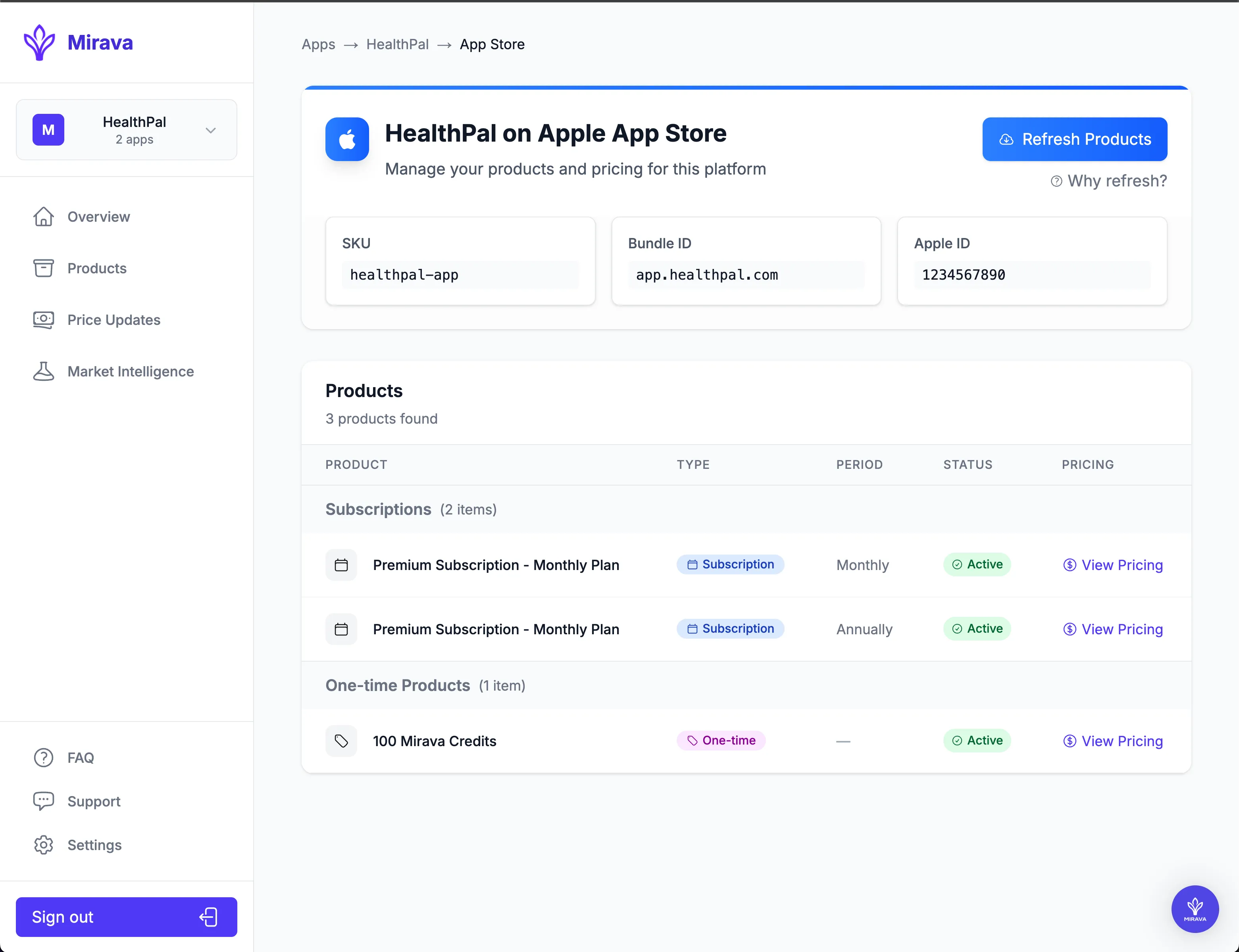
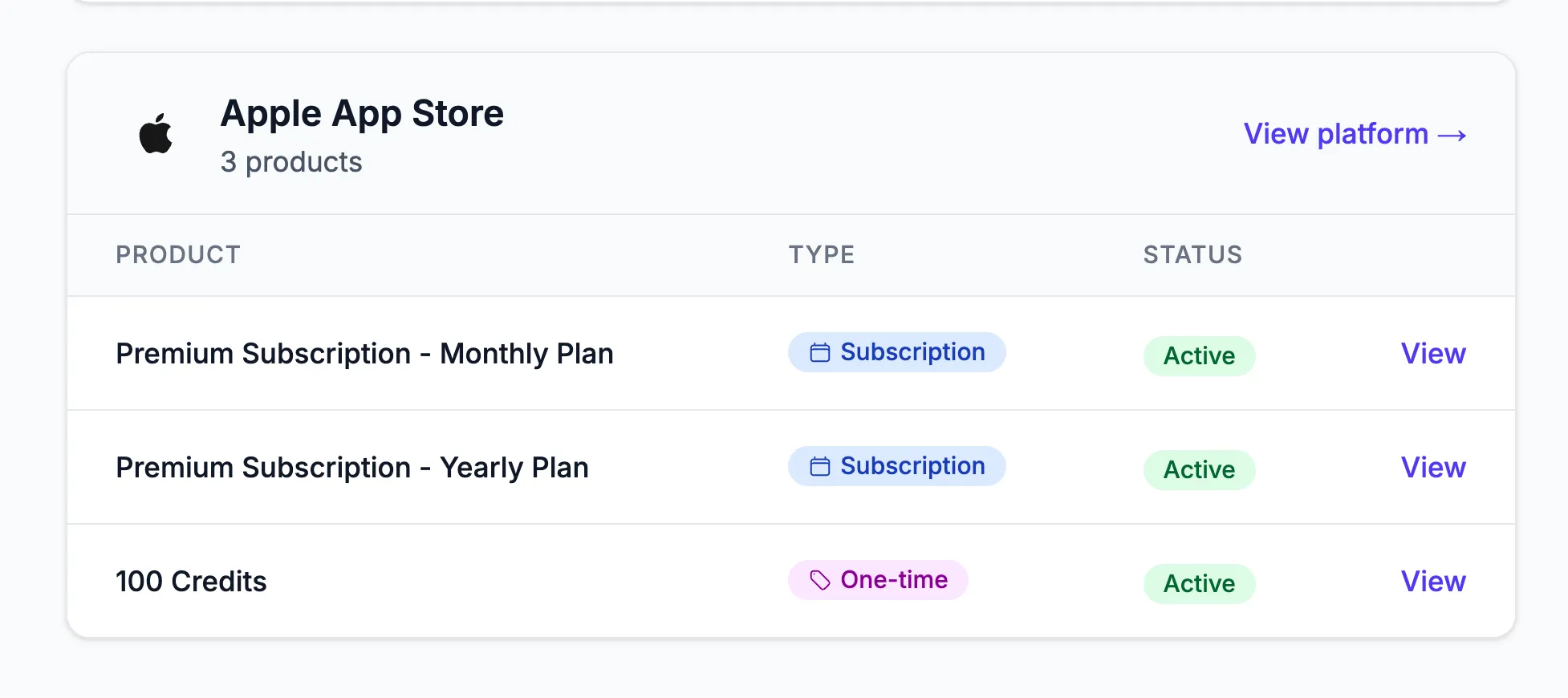
Pick the subscriptions or products you want to test, choose the countries in scope, and define control vs. test prices. Mirava pulls in your live App Store pricing per territory, so you always see the current tier, currency, and local price before you touch anything.

Roll out changes safely and keep everything in sync

Schedule when a test goes live, cap the maximum change per country, and push updates to all selected regions in one run. Mirava logs every price change by country and date, so you can see impact over time, compare against the baseline, and instantly revert if a test underperforms.

What you usually see after fixing App Store regional pricing

When applied to building block a website or similar work product, a Visual Guide can be an intermediate step toward the end goal of a complete website. By creating a visual guide along the way, the designer or developer can get input from the other people involved in the website such as the customer, their manager, and other members of the team.

More paying users in price-sensitive countries

Lowering prices where your app is too expensive often unlocks 15–30% more trials and paid starts without extra traffic.

More revenue in strong markets

Raising underpriced tiers in high-income regions lifts ARPPU while keeping conversion healthy, instead of leaving money on the table.

Cleaner global pricing over time

You stop firefighting FX drift and one-off changes. Every country price has a reason, a history, and a place in your strategy.
How do I change App Store prices by country without messing everything up?
You change prices at the territory level in App Store Connect, not in your code. Mirava pulls in your existing products and regions, lets you define new prices per country on top of the live tiers, and then pushes those changes back in a single, controlled update. Your app binary and SDK stay exactly the same — only the official store prices change.
Will regional pricing break my existing subscriptions, trials, or offers?
No. When you update prices correctly, existing subscriptions, intro offers, and free trials keep working under Apple’s rules. Mirava only updates the prices and tiers associated with your products; it doesn’t touch your entitlements, receipt validation, or subscription logic.
Do I need a new app version to update App Store prices?
You don’t need a new binary just to change prices. App Store regional pricing updates happen at the console level, so you can roll out new price points by country without submitting a new build. Mirava helps you stage and review those changes before they go live.
How often should I update regional prices on the App Store?
Most teams don’t touch prices for years, which is too slow. A more realistic cadence is to review regional pricing a few times per year — for FX drift, inflation, and performance of past experiments. Mirava makes this easy by showing where prices have drifted and which countries are out of line with your targets.
What if a regional price experiment hurts my App Store revenue?
You revert it. Mirava keeps a full history of App Store prices by product and country, so if a test underperforms, you can roll back to the previous configuration cleanly. You’re not digging through old exports or trying to remember what the “original” price was.
Can I run different prices in a few test countries first, before changing everything?
Yes. You don’t have to switch the whole world at once. You can pick a subset of territories — for example, a few high-income countries or a handful of price-sensitive regions — and run your first App Store regional pricing tests there before rolling the same logic out more broadly.
Can I run different prices in a few test countries first, before changing everything?
Yes. You don’t have to switch the whole world at once. You can pick a subset of territories — for example, a few high-income countries or a handful of price-sensitive regions — and run your first App Store regional pricing tests there before rolling the same logic out more broadly.

Run your first App Store regional test with Mirava

Connect your App Store account, import all your current products and territories, and ship a safe pricing experiment in a single session. No new app version, no SDK changes, and a clean way to roll back if you don’t like the results.
Thank you! Your submission has been received!
Oops! Something went wrong while submitting the form.