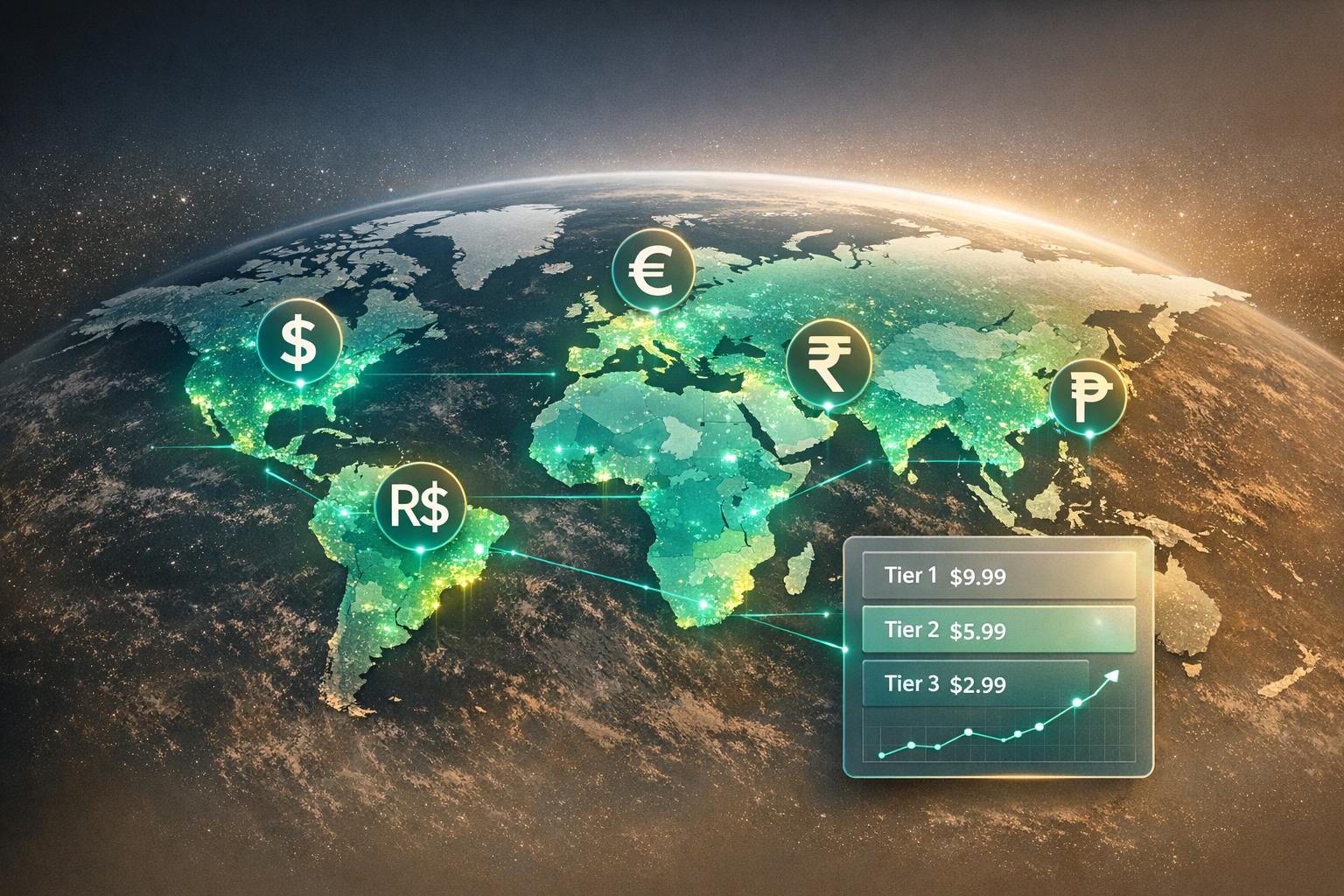
Want to show accurate prices in local currencies within your app? Here's how to do it. Integrating real-time currency rates ensures users see up-to-date pricing, which builds trust and prevents errors during transactions. This guide covers everything you need to know - from choosing the right API to setting up secure, efficient integrations.
This guide also highlights tools like Mirava for localized pricing strategies, which can help tailor prices to different regions based on local purchasing power. Keep reading for a step-by-step breakdown and tips to optimize your app's pricing system.
Currency markets never sleep. Exchange rates are constantly shifting, and without real-time updates, your app might end up charging users either too much or too little. By updating rates every 60 seconds, your pricing can stay in sync with the latest market conditions [2][6]. This ensures that users see accurate prices, avoiding any surprises at checkout.
Automating these updates also eliminates the need for tedious manual tracking, improving pricing efficiency by up to five times [8]. This kind of agility is essential for implementing smarter regional pricing strategies.
Real-time exchange rates are the backbone of effective regional pricing strategies. By combining accurate rate updates with Purchasing Power Parity (PPP) analysis, you can tailor your app's prices to reflect local buying power. This approach ensures that prices feel fair to users across different markets.
Localized pricing strategies can boost global revenue by 15% to 40% [8]. Sofia Nguyen, Product Manager at MindBalance, shared her insights:
"We always knew our pricing in emerging markets wasn't right. We just didn't have the time or the understanding to fix it. Mirava let us roll out country-specific pricing in less than an hour. Our churn dropped immediately." [8]
This kind of tailored pricing doesn’t just improve revenue - it also strengthens relationships with users by showing you understand their local needs.
Accurate, localized pricing does more than adapt to market changes; it shows users that your app values fairness. Transparent pricing fosters trust. When users see prices in their local currency that align with current exchange rates, they feel reassured they’re getting a fair deal. There’s no confusion over hidden fees or unexpected charges on their credit card statements, which minimizes friction during checkout and encourages repeat purchases.
Additionally, accurate pricing supports psychological rounding strategies that resonate with local buying habits. For instance, rounding $10.37 down to $9.99 matches user expectations [8]. These small but thoughtful adjustments create a smoother, more reliable experience that keeps users engaged and loyal.
Currency APIs aren't all created equal. To start, dig into where the data comes from. The most reliable APIs pull information from multiple premium sources, such as central bank reference feeds, tier-1 bank liquidity pools, and electronic trading venues [1][2][4]. This multi-source approach ensures you get accurate data without relying on a single stream, which can be risky. Once you know the data is solid, you can focus on update frequency and technical features.
Update frequency matters. For apps like trading platforms or e-commerce sites with dynamic pricing, real-time updates - ideally within a 60-second window - are a must [5][2][6]. For less time-sensitive uses, updates every 10 minutes or even hourly can work just fine. Also, check the API's currency coverage. Whether you need support for 30+ major currencies or over 200, including emerging markets, make sure the API matches your requirements [1][2][6].
Technical performance is non-negotiable. Look for APIs that offer 256-bit SSL encryption, a 99.9% uptime SLA, and HTTP ETag support [1][5][4]. ETags are particularly handy - they let you confirm whether rates have changed before downloading a full response. If no changes are detected, the server sends back a lightweight 0.2KB response instead of the entire payload [5][4]. For example, requesting rates for all 168 currencies might result in a 4KB file, but targeting just six currencies can cut it down to under 600 bytes. That kind of optimization can make a big difference.
Specialized endpoints are a bonus. High-quality APIs often include endpoints for specific tasks like single currency conversions, time-series data (historical ranges), and fluctuation tracking (margins and percentage changes) [5][4]. Many top providers also offer historical exchange rate data going back to January 1, 1999 [5][3][4]. These features can be invaluable depending on your app's needs.
Once you've evaluated these key features, you’ll be ready to compare the top providers and find the one that best suits your application.
Several providers stand out in the market, each offering unique benefits. ExchangeRate-API supports over 200 currencies and includes a free tier with 100 requests per month and hourly updates [2]. Paid plans start at $7.99/month for 5,000 requests, scaling up to $99.99/month for 500,000 requests with updates every 60 seconds [2]. Fixer covers 170 currencies, pulling data from more than 15 sources [7]. Pricing begins at $14.99/month for 10,000 requests and goes up to $99.99/month for 500,000 requests [7]. FXRateSync offers 1,000 free requests monthly and boasts a 99.9% uptime SLA, using a weighted algorithm to filter outliers from central bank feeds [1].
All three providers use a "business continuity" model for overages. Instead of cutting off access when you exceed your limit, they charge a small per-call fee, typically between $0.00039 and $0.00319 per request [2][7]. This approach ensures your app stays functional while you adjust your plan. For applications needing instant updates without constant polling, OpenExchangeAPI offers WebSocket connections that push rate changes in real time [6].

5-Step Process to Integrate Real-Time Currency Rates in Apps
Start by signing up with your preferred API provider to get your API key. Most services require an email for registration. For instance, Exchangeratesapi.com.au uses a "magic link" system, where a verification link sent to your email logs you in automatically [10]. Once logged in, navigate to the developer dashboard to generate your unique API key [9][10]. This key acts as your authentication token for all API requests.
Store your API key securely. Avoid exposing it in client-side code by using environment variables, and rotate keys periodically to prevent misuse [1]. Always send requests over HTTPS, as modern APIs use 256-bit SSL encryption to safeguard your data [4][7].
Here’s a quick comparison of authentication methods across popular providers:
| Provider | Authentication Method | Parameter/Header Name |
|---|---|---|
| Exchangeratesapi.io | URL Parameter | access_key [4] |
| Currencyapi.com | HTTP Header or URL Parameter | apikey [9] |
| Fixer.io | URL Parameter | access_key [7] |
| Exchangeratesapi.com.au | HTTP Header | Authorization: Bearer [10] |
| Open Exchange Rates | URL Parameter | app_id [3] |
| FXRateSync | HTTP Header | X-API-Key [1] |
Once you have your API key, familiarize yourself with the available endpoints for integration.
Currency APIs typically offer four main endpoints:
To ensure your integration is set up correctly, test these endpoints directly from the provider’s dashboard. This lets you confirm your API key is valid and understand the response structure before diving into development [7].
When fetching data, the tools you use depend on your app's programming language:
Your API key can be passed as a URL parameter (e.g., ?access_key=YOUR_KEY) or in HTTP headers (e.g., Authorization: Bearer YOUR_KEY or apikey: YOUR_KEY) [4][9][10].
To optimize performance and stay within rate limits, cache API responses for a fixed duration (e.g., 5 minutes) before making new requests [6][1]. Use HTTP ETags by including If-None-Match and If-Modified-Since headers in subsequent requests. If the rates haven’t changed, the server will return a 304 Not Modified status, reducing data transfer [5][4].
API responses are typically in JSON format and follow a consistent structure. They often include:
success boolean flag.timestamp.base currency code.rates object with currency codes as keys and their corresponding values as data [4][10].Before processing the data, check the success flag to ensure the response is valid [5][10]. For example, a response might show "USD": 1.0 and "EUR": 0.85, meaning 1 USD equals 0.85 EUR.
When displaying prices, format them according to US locale standards. Use libraries like Intl.NumberFormat in JavaScript to show amounts as $1,234.56, with appropriate symbols, commas, and decimal places [6]. Update your app’s UI dynamically whenever new rates are fetched, using either periodic polling or WebSocket connections.
Set polling intervals that align with your API plan’s update frequency. Free or basic plans usually update hourly, while higher-tier plans may update every 10 minutes or even every 60 seconds [2][5][4]. For real-time updates, consider WebSocket connections (e.g., wss://api.openexchangeapi.com/v1/ws/rates), which push updates without the need for constant polling [6].
Error handling is critical for a seamless integration. Use exponential backoff retry logic for 429 (Rate Limit) or 5xx (Server) errors to manage temporary disruptions gracefully [6][1]. Monitor your API usage via dashboards or notifications - many providers alert you at 75%, 90%, and 100% of your usage limit [1][4]. As a backup, cache the last-known exchange rate to keep your app functional during network or server issues [1].
Here’s a quick reference for handling common HTTP status codes:
| HTTP Status Code | Meaning | Recommended Action |
|---|---|---|
| 200 | Success | Parse and display data [1][10] |
| 401 | Unauthorized | Verify your API key [1][10] |
| 404 | Not Found | Check the endpoint URL [5][4] |
| 429 | Rate Limited | Implement backoff; monitor your quota [1][10] |
| 500 | Server Error | Use cached data; retry later [1] |
To make the most of real-time currency APIs without overspending or overloading your app, consider these tips:
symbols or currencies to specify exactly what you need. According to currencylayer API documentation, this can shrink response sizes by 10x to 20x, which can drastically enhance app efficiency [5].
X-RateLimit-Limit, X-RateLimit-Remaining, X-RateLimit-Reset) to stay within your quota and avoid extra fees. Most providers also notify you automatically when you hit 75%, 90%, and 100% of your usage limit [4][6].
Once your API usage is optimized, the next step is to ensure your API keys are secure.
Protecting your API keys is critical to prevent unauthorized access and potential misuse:
With these security measures in place, you can confidently explore advanced pricing strategies to maximize your app's revenue potential.
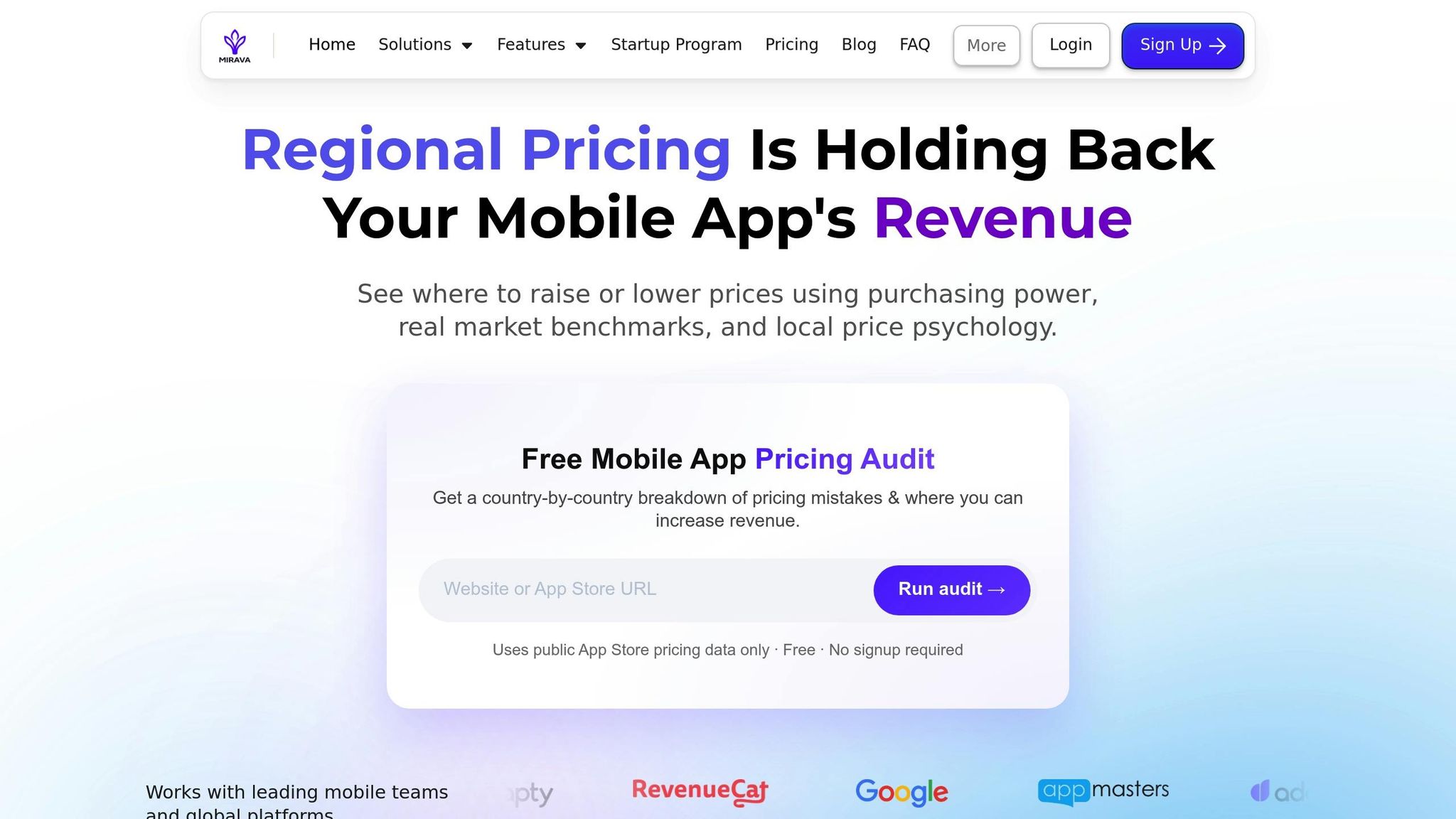
While real-time currency APIs provide accurate exchange rates, they don’t account for local purchasing power. Tools like Mirava (https://mirava.io) help bridge this gap by automating regional pricing adjustments for iOS, Android, and web platforms.
Mirava uses Purchasing Power Parity (PPP) adjustments to align subscription prices with what users in different regions can afford. For instance, a $9.99 subscription in the US might be adjusted to $4.99 in India to reflect local affordability, even if direct currency conversion suggests a different figure.
Key features include:
Mirava’s automation ensures compliance with platform policies, making it a reliable solution for optimizing regional pricing without cutting corners.
Incorporating real-time currency rates into your platform isn't just about convenience - it's a key step in boosting revenue and earning user trust. Accurate exchange rates help eliminate payment errors and misunderstandings, both of which can undermine confidence in international markets. As App Development Specialist Martin Baldwin explains:
"Without real-time data, users may be exposed to outdated or incorrect information, leading to misunderstandings, errors in payments, or even distrust of your platform" [11].
The right API simplifies this process, offering support for 200+ currency pairs with fast and reliable performance [12][2]. By implementing strategies like caching, securing API keys, and monitoring rate limits, you can ensure your platform performs reliably, even as your user base grows. This solid technical foundation also opens doors for more advanced pricing strategies.
On top of technical efficiency, tools like Mirava (https://mirava.io) take things further by factoring in regional purchasing power. Mirava combines real-time exchange rates with Purchasing Power Parity (PPP) adjustments, enabling pricing that aligns with what users in over 175 countries can reasonably afford. This approach not only boosts revenue but also enhances conversion rates by tailoring prices to local markets.
As outlined in the integration guide, pairing real-time data with advanced pricing tools gives your platform a clear competitive edge. Reliable APIs and smart pricing solutions ensure your app stays adaptable to market conditions, whether you're breaking into international markets for the first time or fine-tuning prices across multiple regions. These tools help keep your app both relevant and profitable in a global landscape.
When selecting a currency rates API for your app, it’s important to focus on a few critical factors: accuracy, reliability, and ease of integration. Start by examining where the API sources its data and how often it updates. Real-time updates from trusted sources, such as central banks or interbank markets, are key to ensuring precise exchange rates. Additionally, make sure the API supports a broad range of currencies to cater to users worldwide.
Other essential considerations include security, uptime guarantees, and developer support. An API with a high uptime - think 99.9% or better - ensures consistent availability, while thorough documentation can make integration much smoother for your development team. Don’t forget to evaluate the pricing structure and rate limits. While some APIs provide free plans with limited requests, you’ll need scalable options to handle increased traffic as your app grows. Finally, take time to read customer reviews and assess the provider’s reputation to ensure dependable service and support.
By weighing these factors carefully, you’ll be equipped to provide your users with accurate, real-time currency data they can count on.
To safeguard your API keys during real-time currency rate integration, it's crucial to restrict their usage to trusted sources. For instance, you can limit access by tying your keys to specific IP addresses or domains. This helps block unauthorized access and keeps your keys secure. Also, make sure to store your API keys in a safe location - never expose them in client-side code or public repositories.
When transmitting API keys, opt for request headers instead of query parameters. Headers are generally more secure since they're less likely to be logged or accidentally exposed. Another smart move is to rotate your API keys regularly. This minimizes the chances of misuse if a key is ever compromised. Additionally, many API services offer SDKs with built-in tools to help manage keys securely - take advantage of these features whenever possible.
By implementing these steps, you can better protect your API keys and maintain the security of your app's currency data integration.
Providing real-time currency rates in your app ensures users always see accurate and up-to-date pricing or financial details. This level of transparency helps users feel confident that they're receiving fair and current values - especially important for apps that handle transactions or in-app purchases.
By incorporating live exchange rates, your app can respond to currency fluctuations instantly. This not only creates a smooth and dependable experience for users but also builds trust in your platform, reinforcing their confidence in its reliability.